> For the complete documentation index, see [llms.txt](https://gov.docs.xprnetwork.org/llms.txt). Markdown versions of documentation pages are available by appending `.md` to page URLs; this page is available as [Markdown](https://gov.docs.xprnetwork.org/user-guides/join-a-community.md).
# Join a community
Discover the benefits of being a community member and learn how to become one
### Benefits of joining a community
As a member, you will have the ability to leave comments on proposals and participate in community discussions. This can provide valuable opportunities to engage with other community members and help shape the decision-making process.
### Create a XPR Network account if you haven't already
To join a community, you must first have an account on the XPR Network. If you don't have an account yet, refer to [this guide](https://help.proton.org/hc/en-us/articles/4409651424791) to learn how to create one using the Webauth wallet.
### How to join a community on the Proton Governance Dashboard
If you have not already logged into the XPR Network Governance Dashboard, please follow the login guide to log in. This is a necessary step to joining a community.
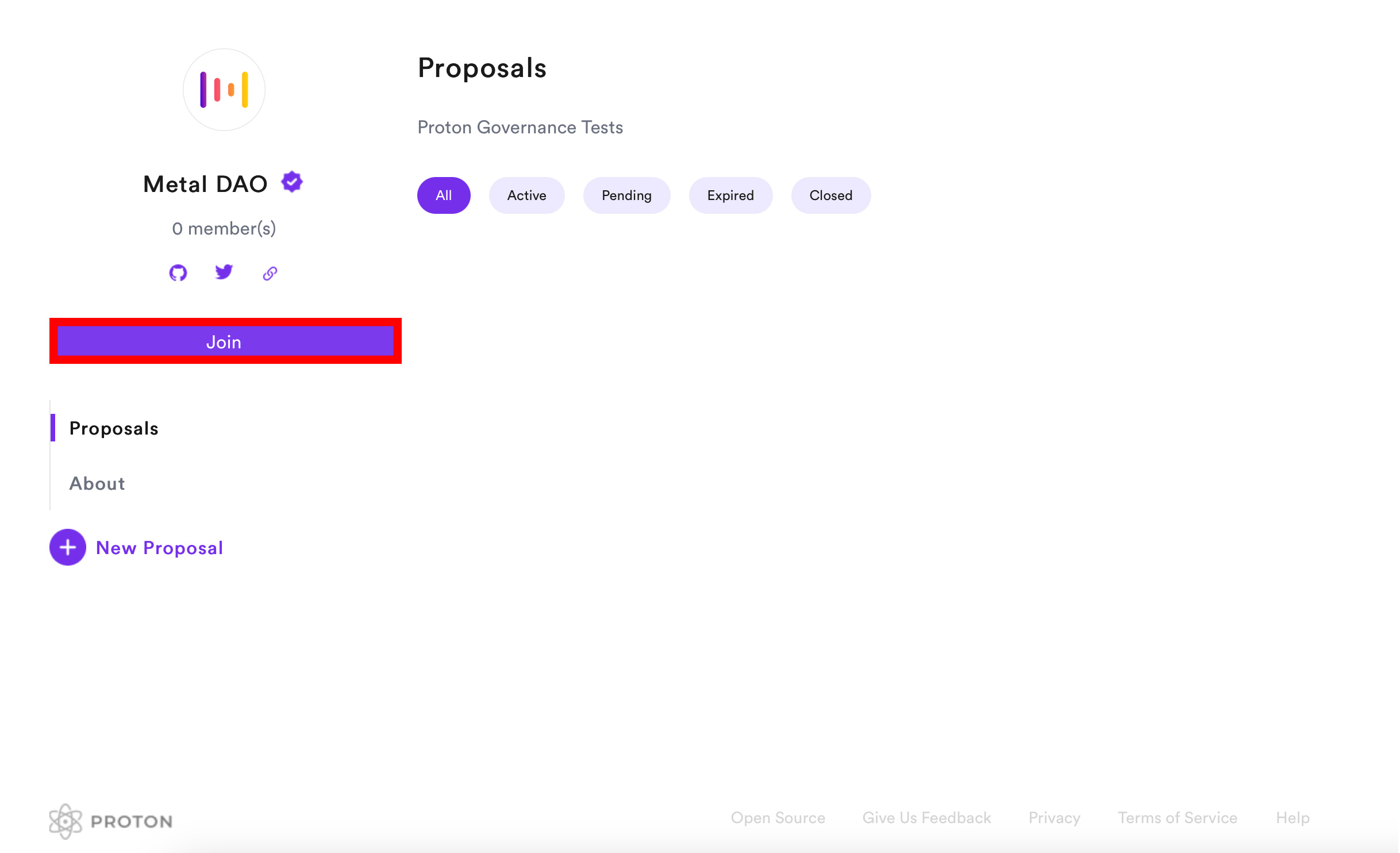
For the purpose of this guide, Metal DAO will be selected.
After selecting the appropriate community, click on the "Join" button located on the community page to join the community.
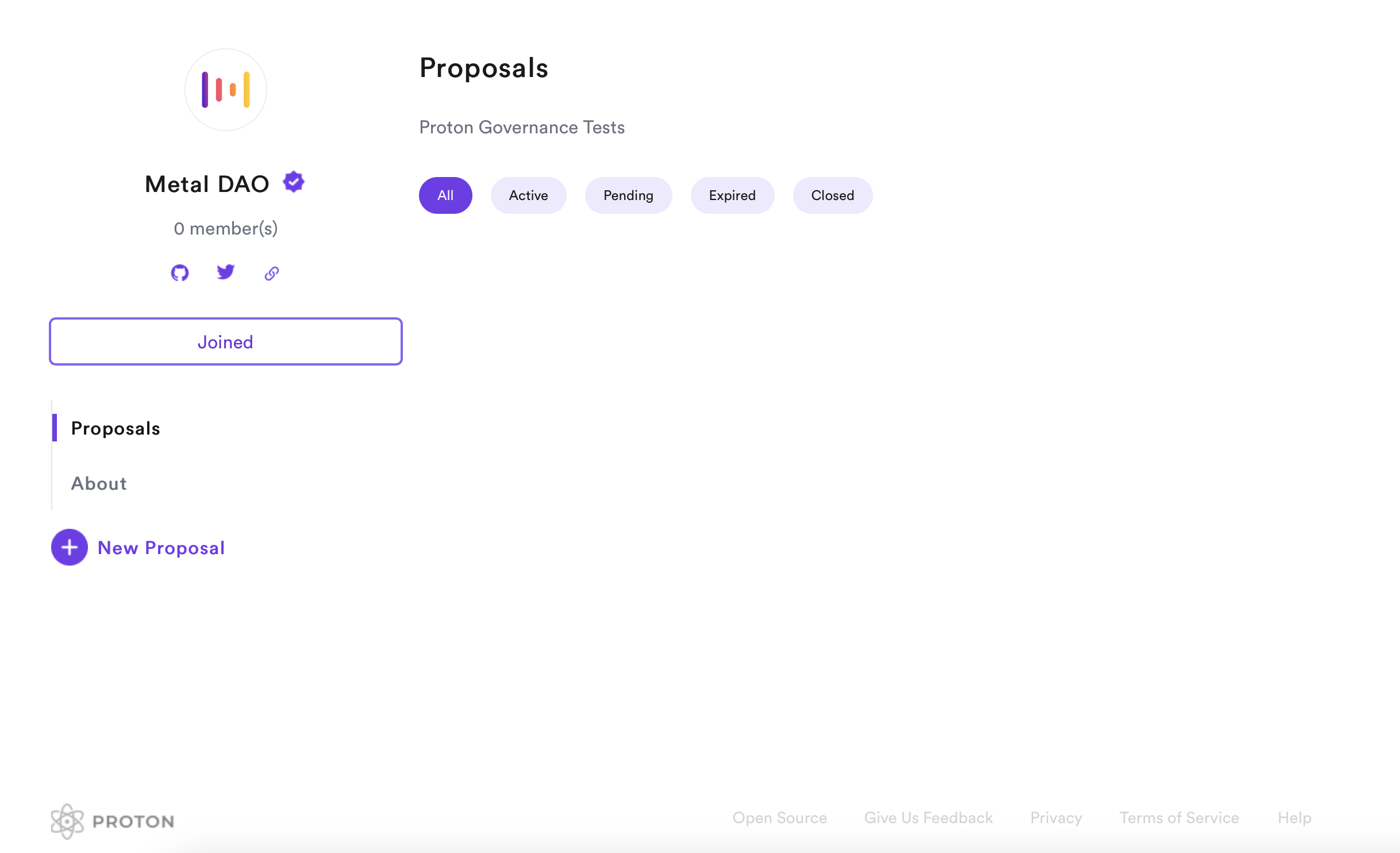
Congratulations! You have successfully joined your selected community, as indicated by the status "Joined".
As a member, you are now eligible to [leave comments on proposals](/user-guides/comment-on-a-proposal.md) and actively participate in community discussions.
We encourage you to engage with other members and provide feedback on proposals to help shape the community's decision-making process.